




ABB / M10x Operator Interfaces
ABB MD21 Operator Panel
LCD operator panel for local control, monitoring and parameterization of ABB M101 and M102 motor-management units.
Product Overview
Local M10x control and diagnostic access
ABB MD21 is the operator panel for M101-M, M101-P, M102-M and M102-P units. It mounts on the module front or cabinet door and provides local control, navigation, indication and parameter access.
The panel combines an LCD window, configurable LED indicators, predefined control buttons, navigation buttons and a mini-USB port for parameterization.
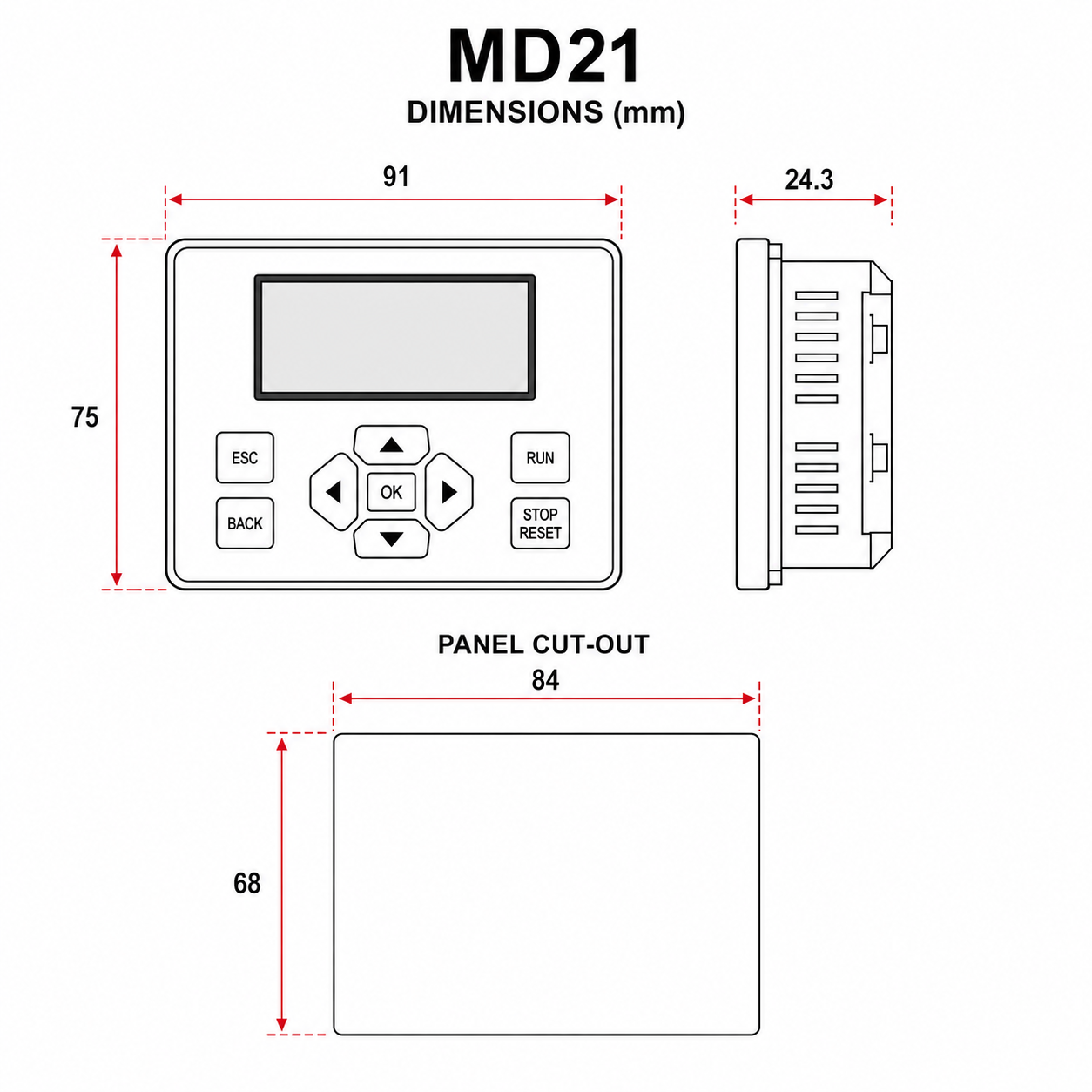
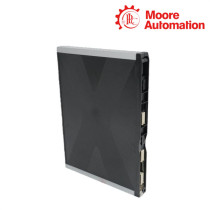
MD21 operator panel dimensional and panel cut-out illustration based on official ABB measurements.
Operating Functions
Control, monitoring and parameter navigation
Local motor control
Dedicated buttons support Start 1, Start 2 and Stop commands.
LCD information
The display presents running, maintenance, diagnostic, product and setting data.
Configurable indication
LED functions can be assigned to power, ready, running, stop, fault and digital-input states.
Menu navigation
Page and enter/exit buttons provide structured access to values and settings.
Product Specifications
Official identification and technical data
| Brand | ABB |
|---|---|
| Model | MD21 |
| ABB ID number | 1TNA920500R0002 |
| Compatible main units | M101-M, M101-P, M102-M and M102-P |
| Display | LCD |
| Indicators | Configurable LEDs |
| Control buttons | Start 1, Start 2 and Stop |
| Navigation | Page up, Page down, Enter and Exit |
| Parameterization interface | Mini USB |
| M102 running-data pages | Up to 13 |
Installation Highlights
Panel placement and M10x connection
Front or door mounting
The operator interface is intended for mounting on the module front or panel door.
Parameterization access
The mini-USB interface supports connection to the parameterization service tool.
FAQ
ABB MD21 technical questions
Which ABB units support MD21?
The official ordering guide lists M101-M, M101-P, M102-M and M102-P.
Does MD21 include an LCD?
Yes. MD21 provides both an LCD display and configurable LED indicators.
Which control buttons are provided?
Start 1, Start 2 and Stop buttons are listed.
How is MD21 parameterized?
A mini-USB interface is provided for parameterization.
How many running-data pages can MD21 show with M102?
The official user guide states up to 13 selectable running-parameter pages.
Recommended Products
Additional industrial automation models
Industrial Parts Enquiry
Send the exact model, required quantity and delivery destination for a focused quotation.


No related record found